Dark Mode Budget Spreadsheet
- ⬇ Files delivered instantly after purchase
- ∞ Lifetime access — download anytime
- ✎ You type in tinted cells; every formula is built & protected
- ♲ Support: message us any time, we answer personally
About this system
🎁 WHAT YOU GET (instant download)
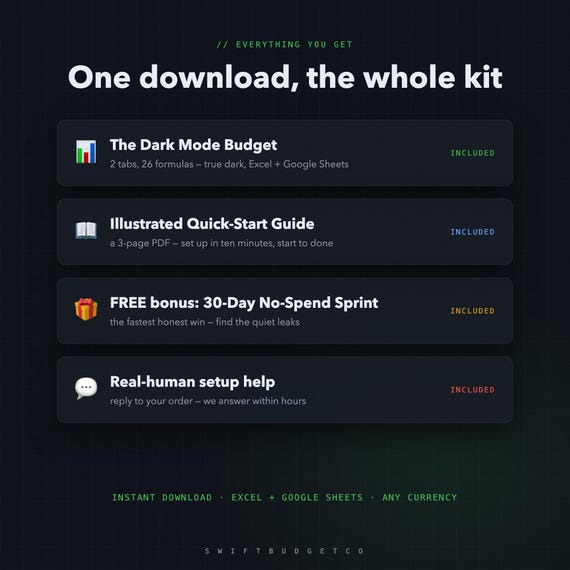
- The Dark Mode Budget — Excel + Google Sheets, true dark theme
- An illustrated 3-page Quick-Start Guide (PDF) — set up in 10 minutes
- FREE BONUS: the 30-Day No-Spend Sprint tracker
- Real-human setup help — reply to your order, we answer within hours
The Budget That'S Easy On The Eyes
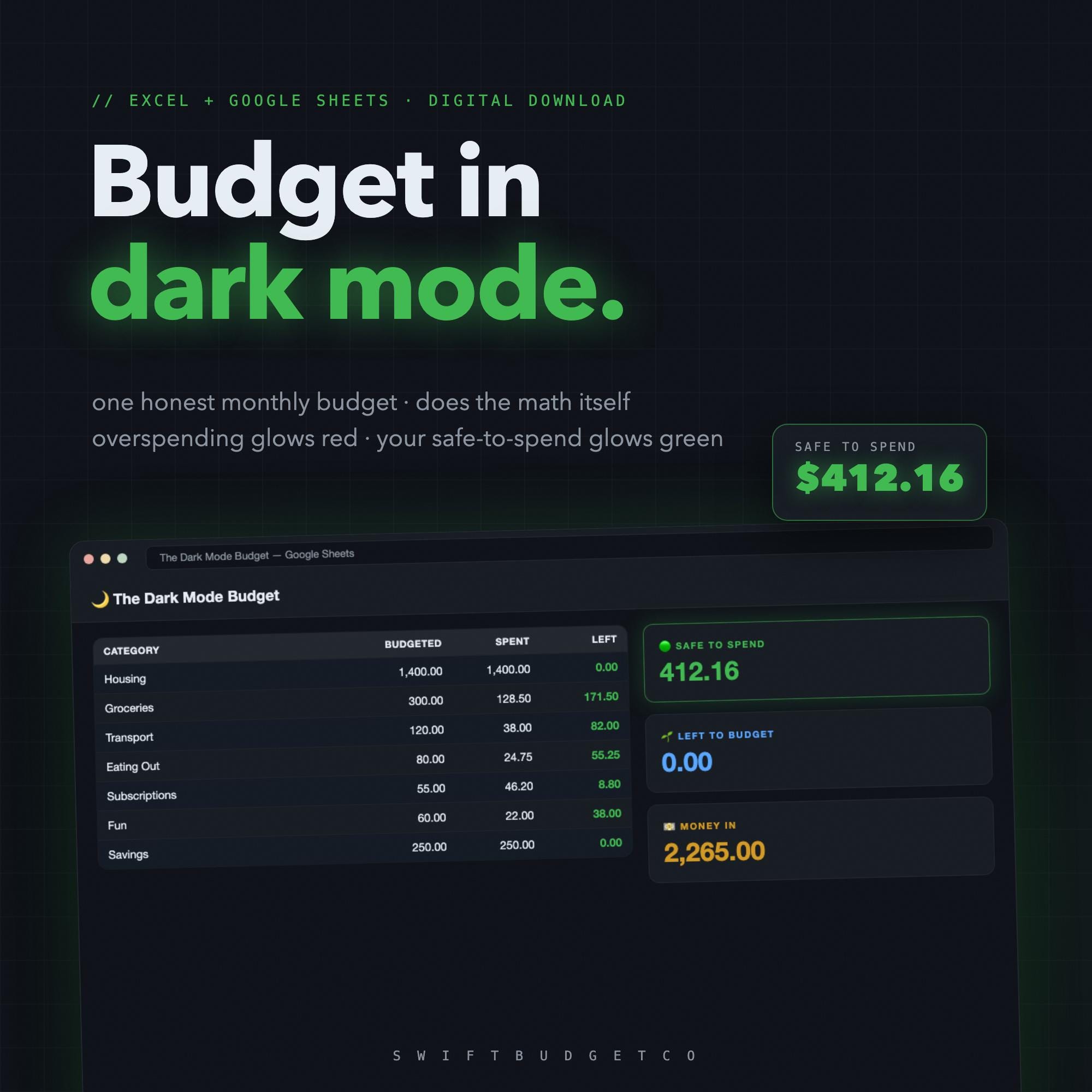
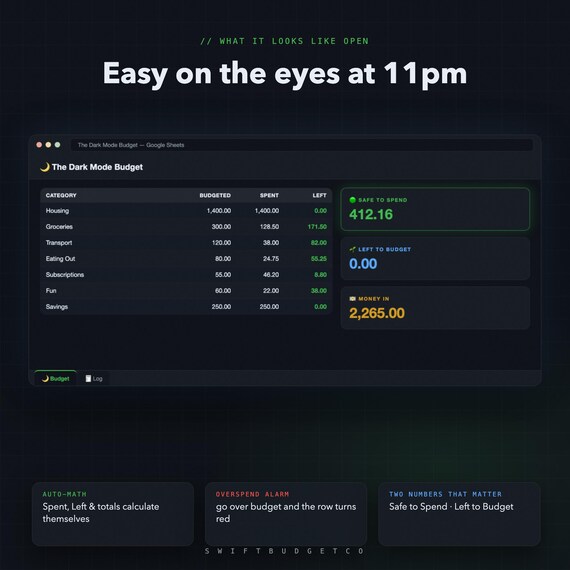
Most budget templates blast you with a white screen. This one is true dark mode — built dark cell by cell, not just a screenshot filter — so checking your money at 11pm doesn't feel like an interrogation lamp.
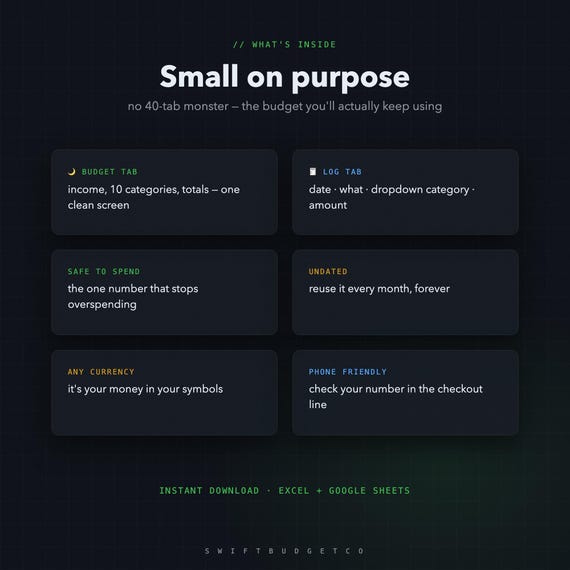
One honest monthly budget. No 40-tab monster. The math runs itself.
🟢 THE NUMBER THAT MATTERS
SAFE TO SPEND — one glowing green number that tells you what you can spend without breaking the plan. Go over in any category and the row turns red on its own.
⚡ HOW IT WORKS
1. Add your income
2. Give every dollar a job — fill Budgeted until Left to Budget hits 0
3. Log spending with dropdowns on the 🧾 Log tab — Spent, Left and Safe to Spend update themselves
🌍 WORKS EVERYWHERE
- Excel — opens natively, dark theme included
- Google Sheets — 2-click import (guide included), stays dark
- Any currency • Undated — reuse it every month, forever
- Phone-friendly — check your safe-to-spend in the checkout line
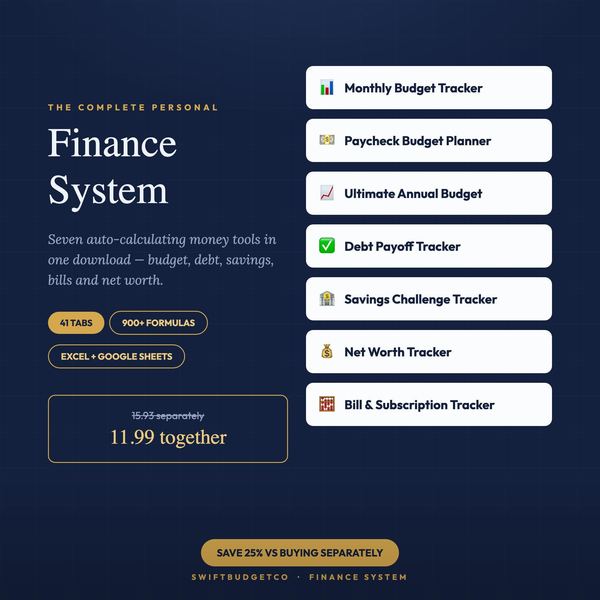
Why so cheap? It's the little sibling of our bigger systems (paycheck, annual, all-in-one dashboard). We'd rather you start somewhere — and if it helps, a quick review means the world to a tiny shop.
💌 Instant digital download (zip). Nothing is shipped. All sales final due to the digital nature — but message us anytime and we'll personally help you set it up.
From SwiftBudgetCo — real, auto-calculating spreadsheets that do the math for you.
- OUR PROMISE ---
Works in Excel AND Google Sheets. No subscription — buy once, keep it forever. Instant download, free updates. Questions? Message us and a real person will help you get set up.
New to saving challenges? Read the 100-envelope guide first.