Dark Mode Debt Payoff Spreadsheet
- ⬇ Files delivered instantly after purchase
- ∞ Lifetime access — download anytime
- ✎ You type in tinted cells; every formula is built & protected
- ♲ Support: message us any time, we answer personally
About this system
🎁 WHAT YOU GET (instant download)
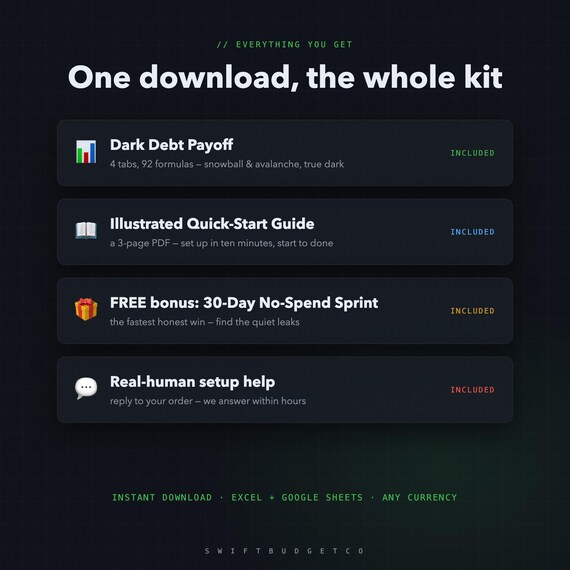
- Dark Debt Payoff — 4 tabs, Excel + Google Sheets, true dark theme
- An illustrated 3-page Quick-Start Guide (PDF)
- FREE BONUS: the 30-Day No-Spend Sprint tracker — find extra payoff money
- Real-human setup help — reply to your order, we answer within hours
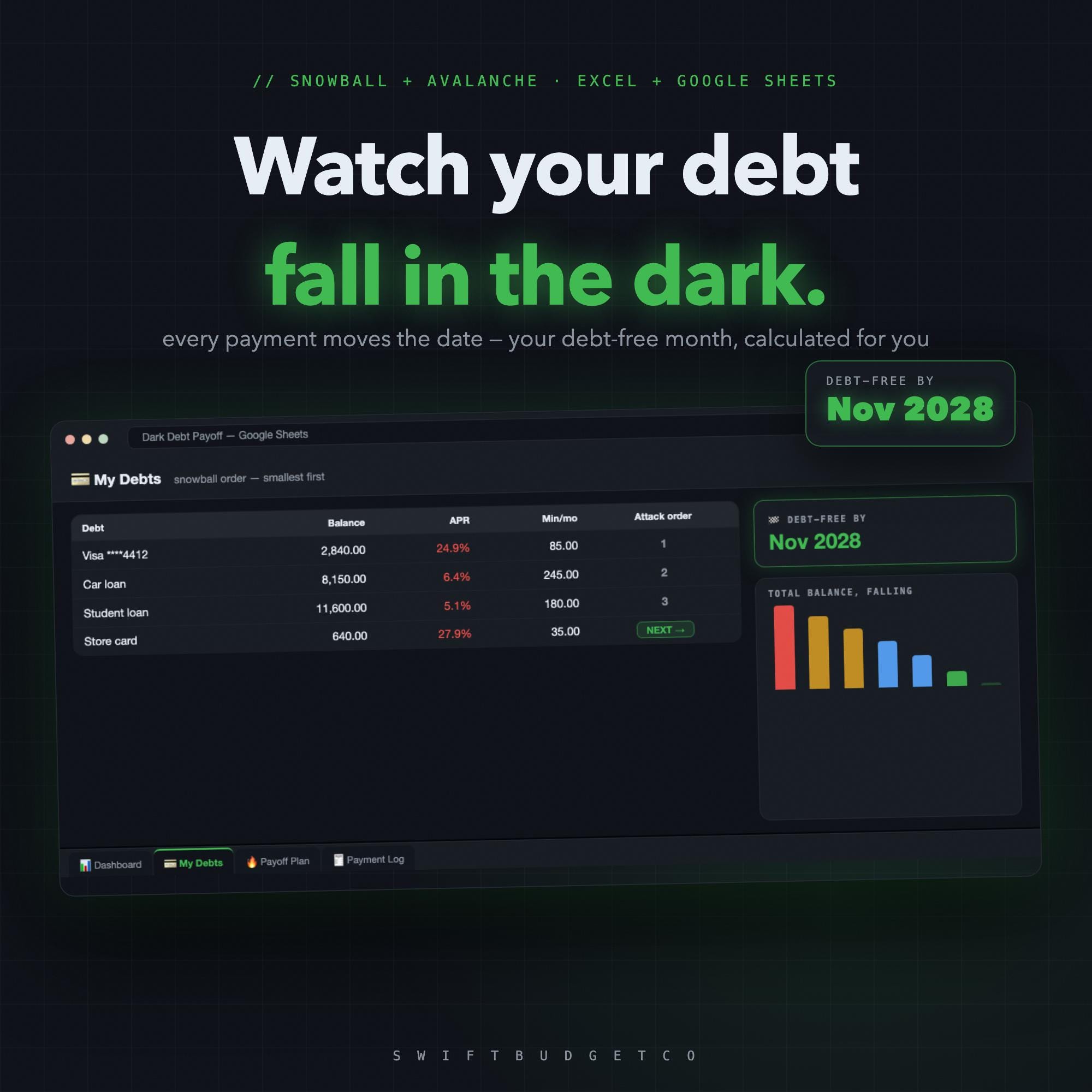
WATCH YOUR DEBT FALL — IN THE DARK
The snowball & avalanche debt tracker, built dark cell by cell. List your debts once, pick your method, and watch the one number that keeps you going: 🏁 DEBT-FREE BY — your payoff month, recalculated with every payment.
🔥 HOW IT WORKS
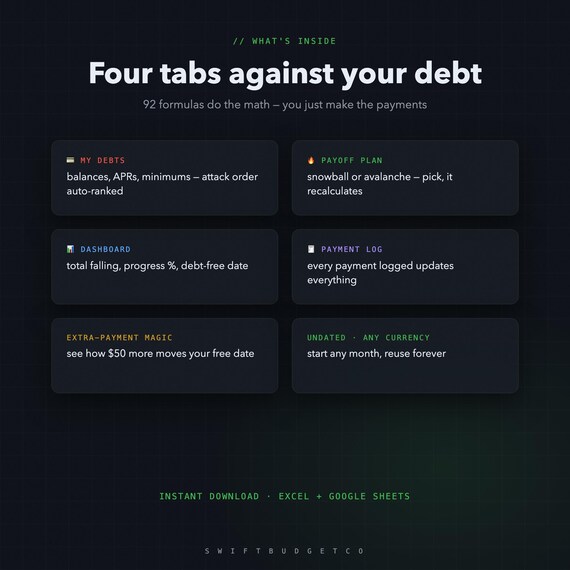
1. List your debts on 💳 My Debts — balance, APR, minimum. The attack order ranks itself (snowball: smallest first, or avalanche: highest APR first — switch anytime)
2. Log payments on 🧾 Payment Log — balances, progress and your debt-free date all update themselves
3. Try an extra $50/month and watch your free date jump closer — motivation you can see
🌙 FOUR DARK TABS
- 📊 Debt Dashboard — total falling, progress %, debt-free date
- 💳 My Debts — every debt, auto-ranked attack order
- 🔥 Payoff Plan — snowball / avalanche, month by month
- 🧾 Payment Log — 92 formulas react to every payment
🌍 WORKS EVERYWHERE
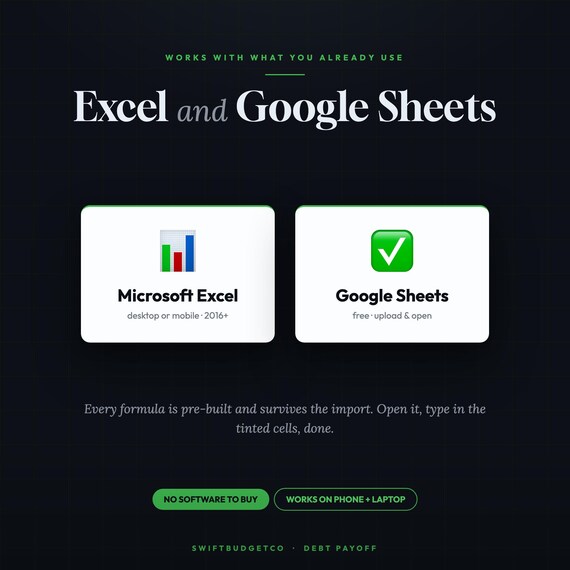
- Excel — opens natively, dark theme included
- Google Sheets — 2-click import (guide included), stays dark
- Any currency • Undated — start any month • Phone-friendly
Why cheaper than the big debt calculators? Same math, smaller shop — we'd rather earn your review.
💌 Instant digital download (zip). Nothing is shipped. All sales final due to the digital nature — but message us anytime and we'll personally help you set it up.
From SwiftBudgetCo — real, auto-calculating spreadsheets that do the math for you.
- OUR PROMISE ---
Works in Excel AND Google Sheets. No subscription — buy once, keep it forever. Instant download, free updates. Questions? Message us and a real person will help you get set up.
New to saving challenges? Read the 100-envelope guide first.