Dark Paycheck Budget Spreadsheet
- ⬇ Files delivered instantly after purchase
- ∞ Lifetime access — download anytime
- ✎ You type in tinted cells; every formula is built & protected
- ♲ Support: message us any time, we answer personally
About this system
🎁 WHAT YOU GET (instant download)
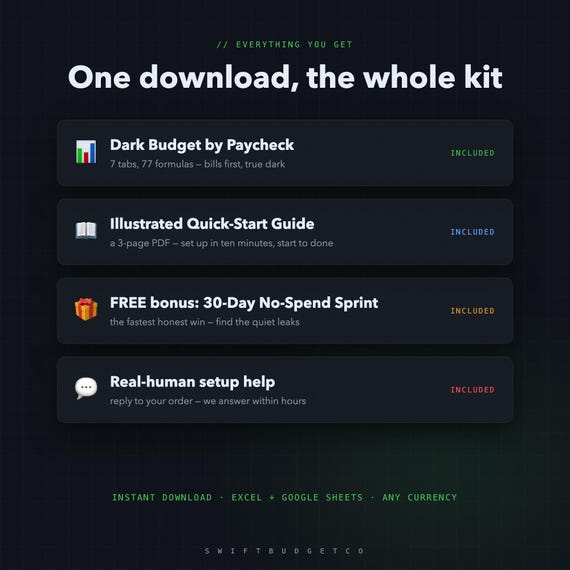
- Dark Budget by Paycheck — 7 tabs, Excel + Google Sheets, true dark theme
- An illustrated 3-page Quick-Start Guide (PDF) — set up in 10 minutes
- FREE BONUS: the 30-Day No-Spend Sprint tracker
- Real-human setup help — reply to your order, we answer within hours
PAID BIWEEKLY? BUDGET BY PAYCHECK — IN DARK MODE
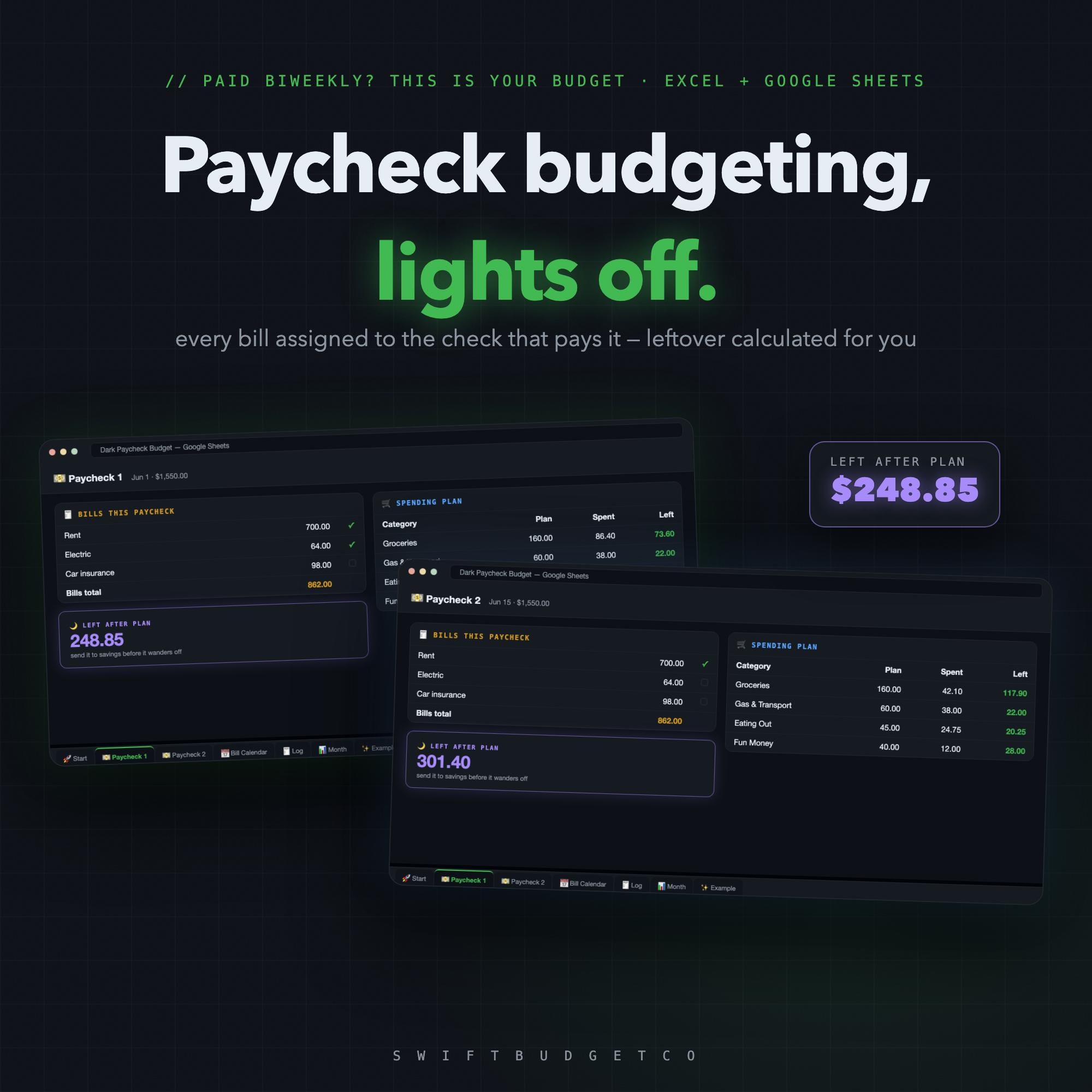
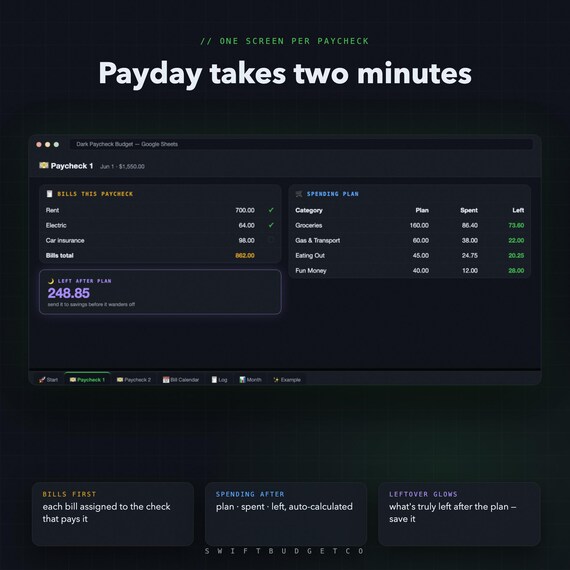
The Budget-Mom method, built dark cell by cell: one plan per paycheck, every bill assigned to the check that pays it, and your true leftover glowing at the end. No white-screen interrogation lamp at 11pm.
💵 HOW IT WORKS
1. Map your bills once on the 📅 Bill Calendar — each bill picks its paycheck
2. On payday, open that check's tab: bills first, spending plan after — 2 minutes
3. Log spending with dropdowns — Spent, Left and LEFT AFTER PLAN update themselves
🌙 SEVEN DARK TABS
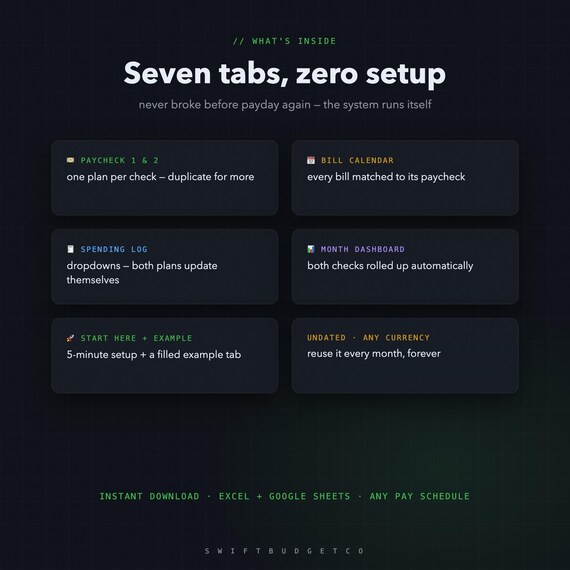
- 💵 Paycheck 1 & 2 (duplicate for weekly pay) • 📅 Bill Calendar with per-check totals
- 🧾 Spending Log with dropdowns • 📊 Month Dashboard — both checks rolled up
- 🚀 Start Here guide + ✨ filled Example tab
77 formulas do the math. Overspend and the row turns red. What's left glows.
🌍 WORKS EVERYWHERE
- Excel — opens natively, dark theme included
- Google Sheets — 2-click import (guide included), stays dark
- Any pay schedule • Any currency • Undated — reuse forever • Phone-friendly
Why half the price of the big paycheck spreadsheets? Same method, smaller shop — we'd rather earn your review.
💌 Instant digital download (zip). Nothing is shipped. All sales final due to the digital nature — but message us anytime and we'll personally help you set it up.
From SwiftBudgetCo — real, auto-calculating spreadsheets that do the math for you.
- OUR PROMISE ---
Works in Excel AND Google Sheets. No subscription — buy once, keep it forever. Instant download, free updates. Questions? Message us and a real person will help you get set up.
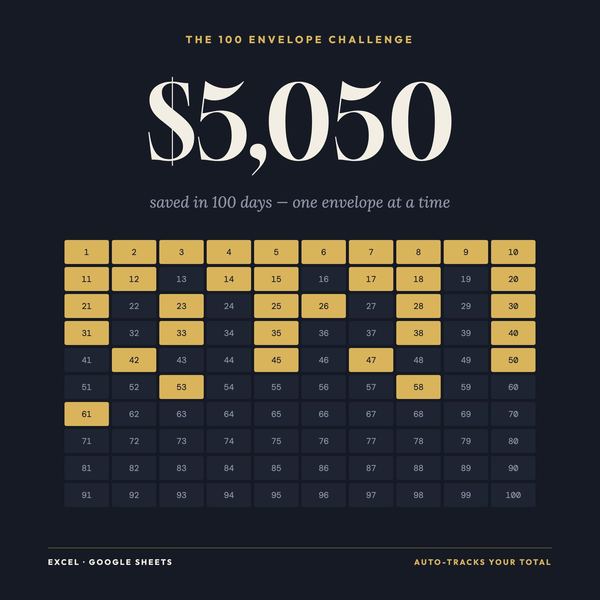
New to saving challenges? Read the 100-envelope guide first.