Debt Payoff Tracker Spreadsheet
- ⬇ Files delivered instantly after purchase
- ∞ Lifetime access — download anytime
- ✎ You type in tinted cells; every formula is built & protected
- ♲ Support: message us any time, we answer personally
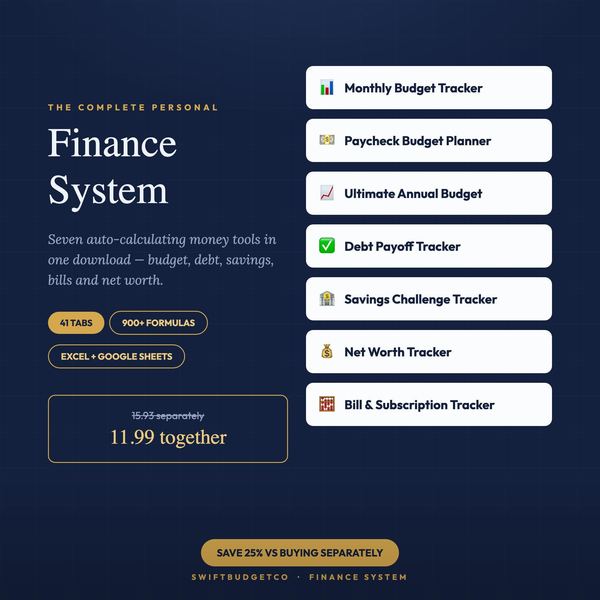
About this system
Two ways to pay off debt. This tells you which one costs you less.
Most debt trackers make you pick snowball or avalanche and then just colour in the boxes. This one runs BOTH methods on your actual debts, at the same time, and shows the two answers side by side - months to debt free, total interest, and the difference between them in dollars. It also shows what paying only the minimums would have cost, so you can see what your extra payment is really buying.
The Example Included In The File
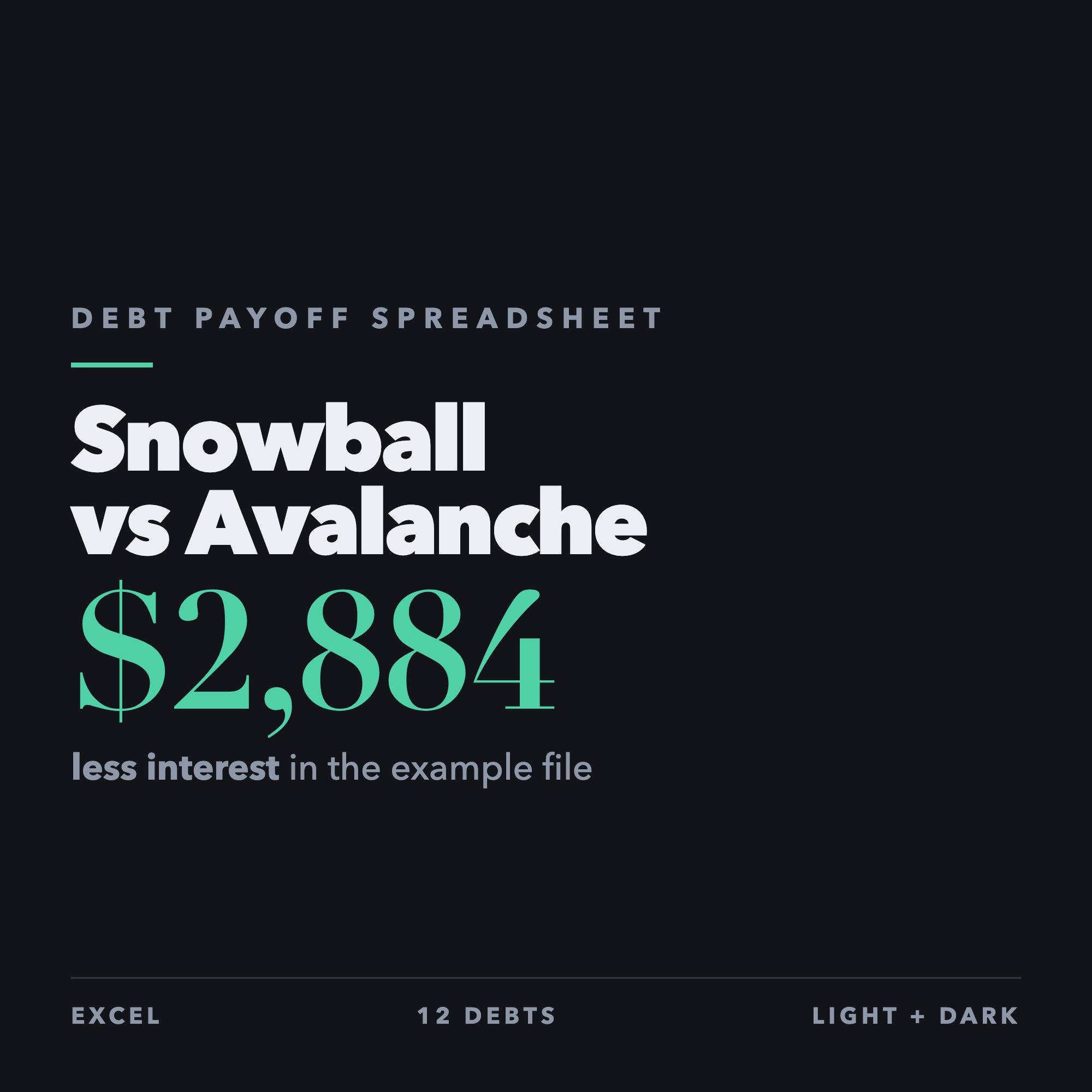
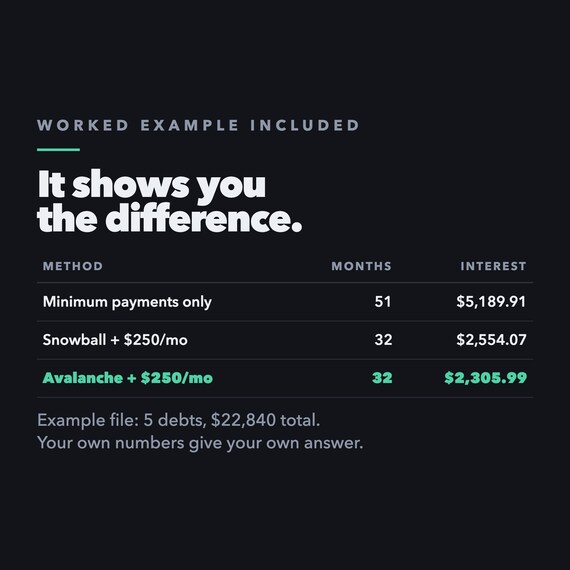
Five debts totalling $22,840: a $4,200 Visa at 22.99%, an $890 store card at 26.99%, a $9,400 car loan at 6.49%, a $7,100 student loan at 4.50% and a $1,250 medical bill at 0%. Paying only the minimums takes 51 months and costs $5,189.91 in interest. Adding $250 a month brings that down to 32 months, and the file shows $2,883.93 less interest paid. Those figures come from those example debts. Your own debts will give you your own, different answer.
What It Does
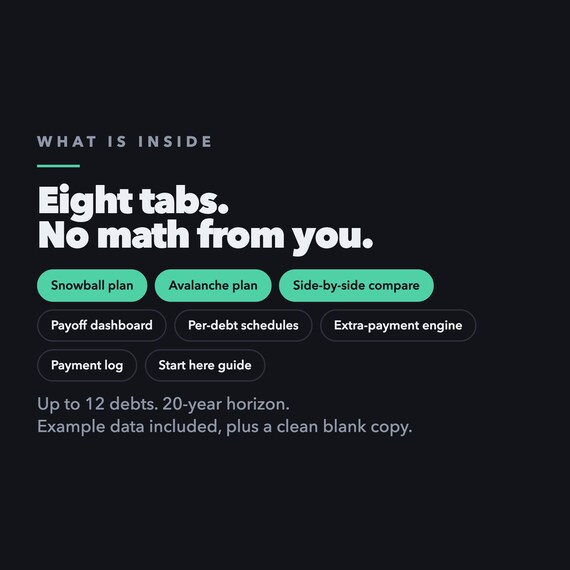
- Debt snowball plan - smallest balance first, month by month
- Debt avalanche plan - highest interest rate first, month by month
- Side-by-side comparison of both methods, with the difference in dollars
- Minimum-payments-only baseline, so you can see the interest your plan avoids
- Extra-payment engine - change one number and every payoff date and interest total updates
- Per-debt schedules showing each balance fall to zero
- Payoff dashboard - debt-free date, total interest, progress bar
- Payment log to record what you actually paid
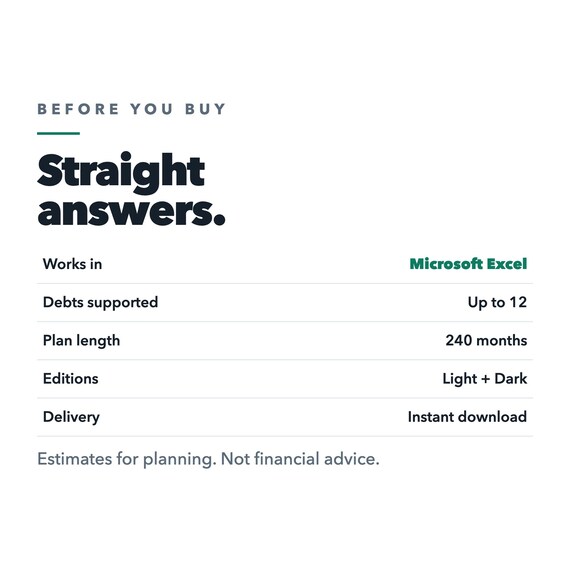
- Up to 12 debts, 240 months
WHAT YOU GET (instant download)
Debt_Payoff_Spreadsheet_4_Workbooks.zip containing all four spreadsheets:
- Light edition, filled in with the example above
- Light edition, clean and blank for your own numbers
- Dark edition, filled in
- Dark edition, clean and blank
Plus the Quick Start Guide (PDF), which downloads separately so you can read it first.
The ZIP needs unzipping: right-click and Extract All on Windows, or double-click on Mac. Unzipping
on a phone is fiddly, so download on a computer if you can.
Compatibility, Stated Honestly
Built and tested for Microsoft Excel, 2016 or newer recommended. Standard .xlsx files.
Google Sheets is NOT claimed, because it has not been tested. The file uses only standard functions and will very likely import, but we would rather say so than promise something unverified.
Apple Numbers is not tested or supported.
Every formula was tested before release, including zero-interest debts, identical balances, identical rates, more than ten debts, blank rows and paid-off debts. If a minimum payment is smaller than that debt's monthly interest, the file says plainly that the debt cannot be paid off until the payment rises, rather than quietly showing a false date.
Please Read
Results depend entirely on the information you enter. All calculations are estimates for planning and educational use. This spreadsheet is not financial, legal, tax or credit advice. Lenders may compound interest daily, add fees, or change your rate, so confirm your balances, APRs, minimum payments and payoff figures directly with them. No particular saving or payoff date is promised or guaranteed.
Designed, developed and tested by SwiftBudgetCo using AI-assisted tools.
Instant digital download - nothing is shipped. Message me if anything does not work and I will fix it or refund you.
New to saving challenges? Read the 100-envelope guide first.